
Event discovery
A feed of nearby events with category chips, banners, search, and advanced filters for time, genre, and sort order.
Futura is a mobile app for discovering local events and connecting with the people attending them. Browse a personalized feed, explore events on an interactive map, and join the ones that interest you, then chat with fellow attendees before, during, and after.
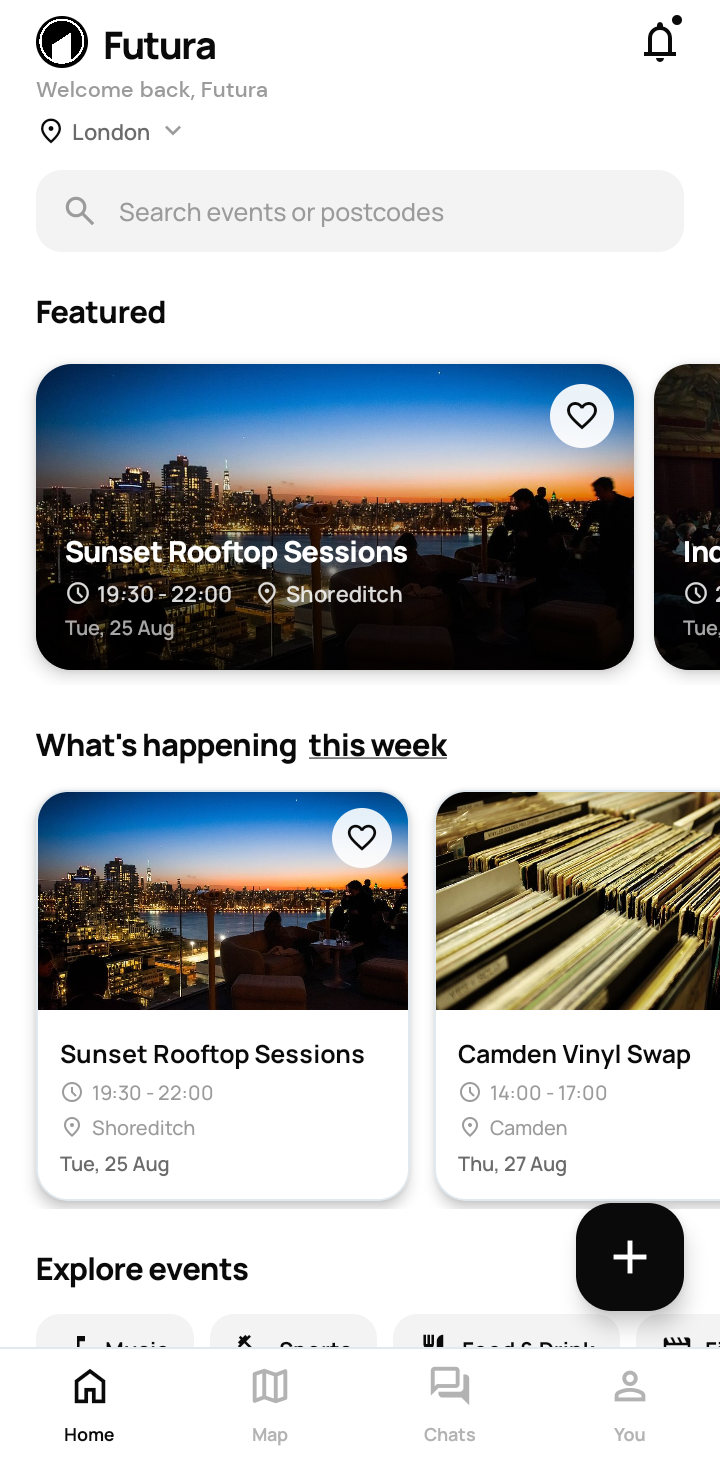
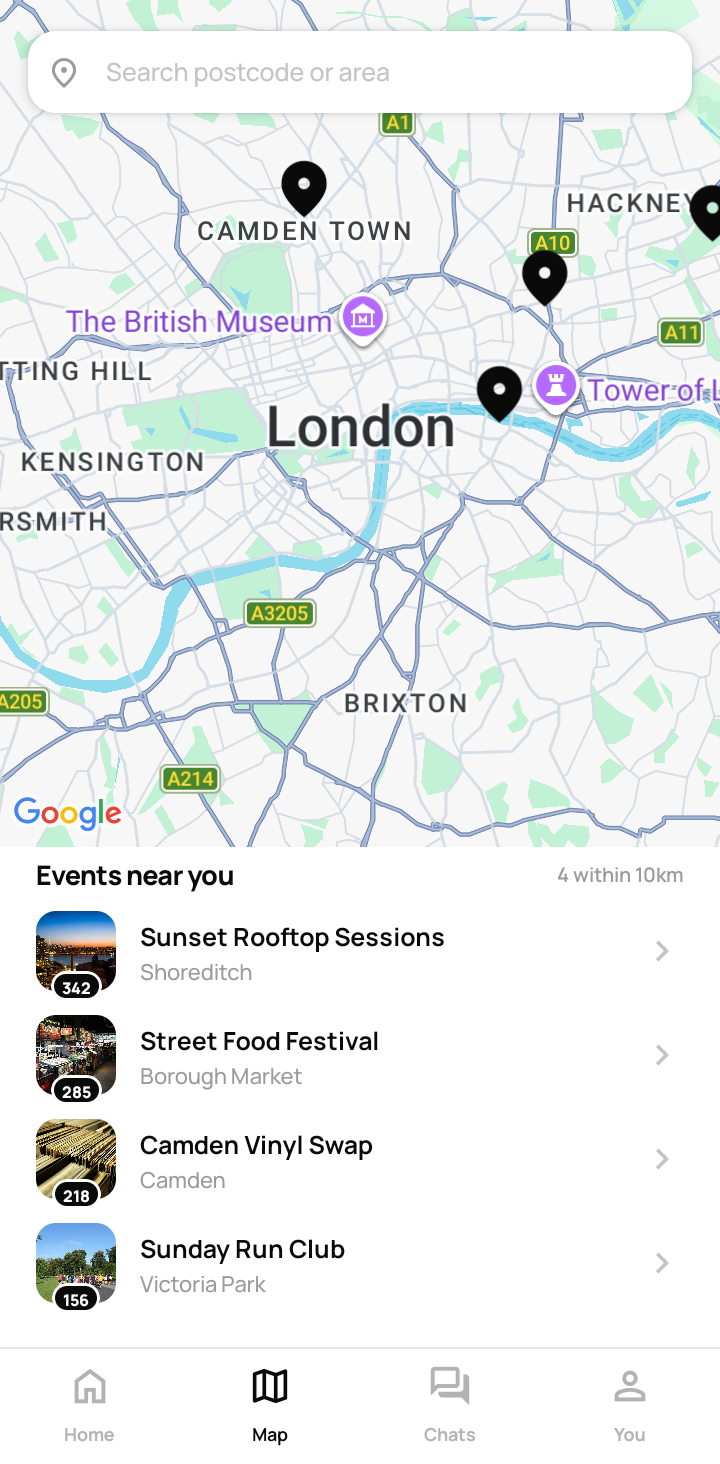
A feed of nearby events with category chips, banners, search, and advanced filters for time, genre, and sort order.
Browse events geographically with markers, location search, and quick selection. Get directions straight from the event page.
A full creation flow covering branding images, scheduling, location, and capacity. Free to publish, or paid for worldwide reach.
Private messaging and event group chats, backed by a contacts and connections system so plans happen before the doors open.
A unified inbox for reminders, requests, mentions, and system alerts, with deep links straight into the relevant event or chat.
Flag and report tools, ban details with an appeal flow, and an admin console for reports, user management, event moderation, and broadcasts.
Every screen from the current build.
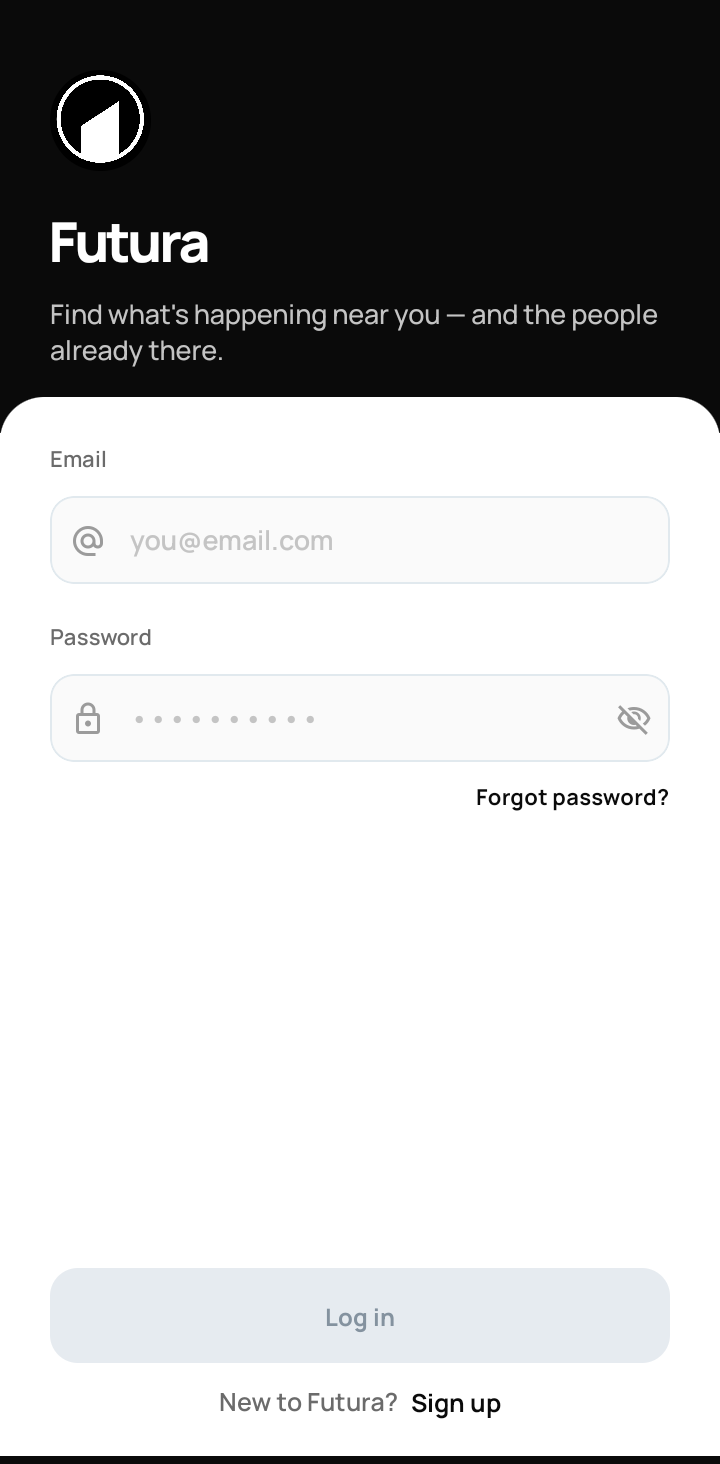
Sign in
Secure accounts in a couple of taps
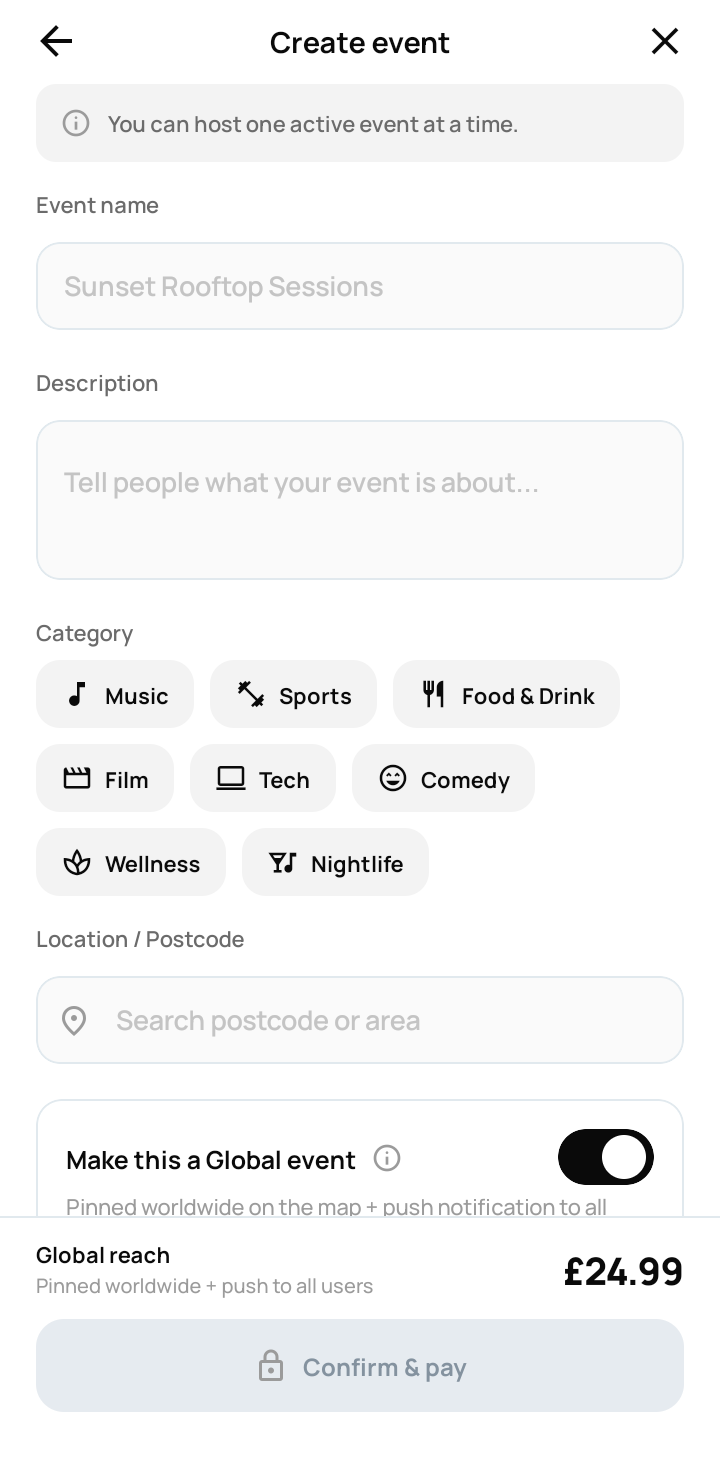
Create
Host Event free, or pay for global reach
Home
Featured events and what's on this week
Map
Live pins for every event near you
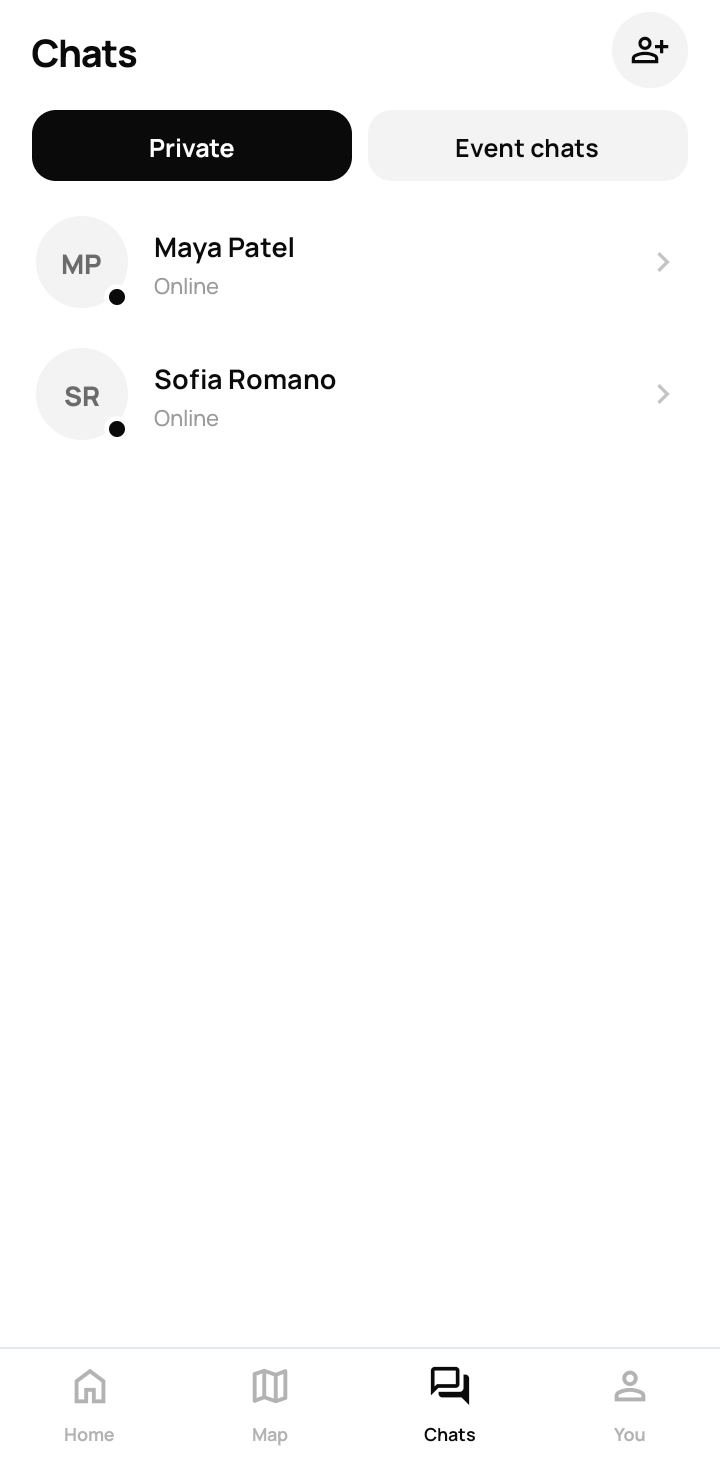
Chats
Private messages and event group chats
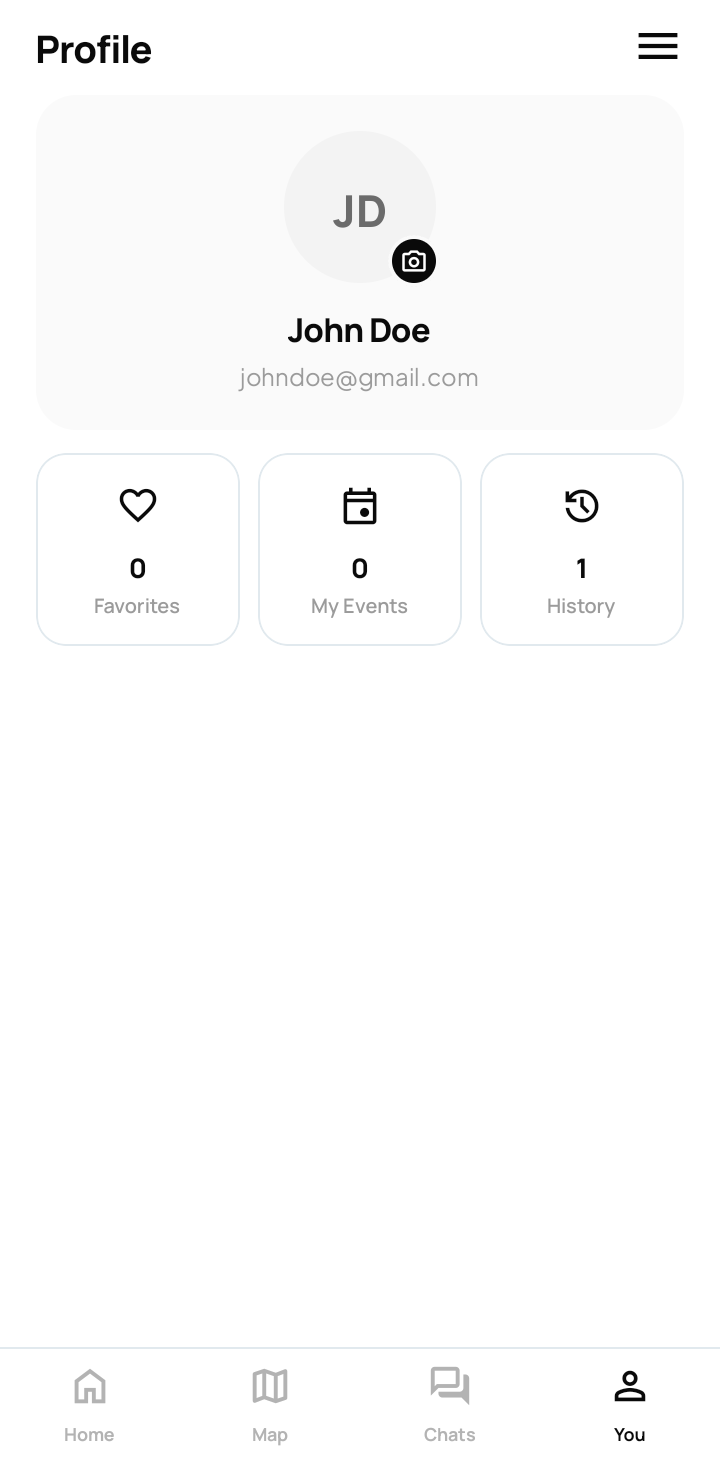
Profile
Favorites, your events, and history in one place
Futura isn't on the Play Store yet, so Android shows two safety prompts during install. Both are expected. Here's what to tap.
Tap the download button. Chrome will warn that this file type can harm your device. That is Android's standard notice for any app installed outside the Play Store. Tap Download.
Open the downloaded file. Android asks permission to install unknown apps from Chrome. Turn it on, then press back to return to the install prompt.
Tap Install, then Open. Create an account or sign in, and you're in.